
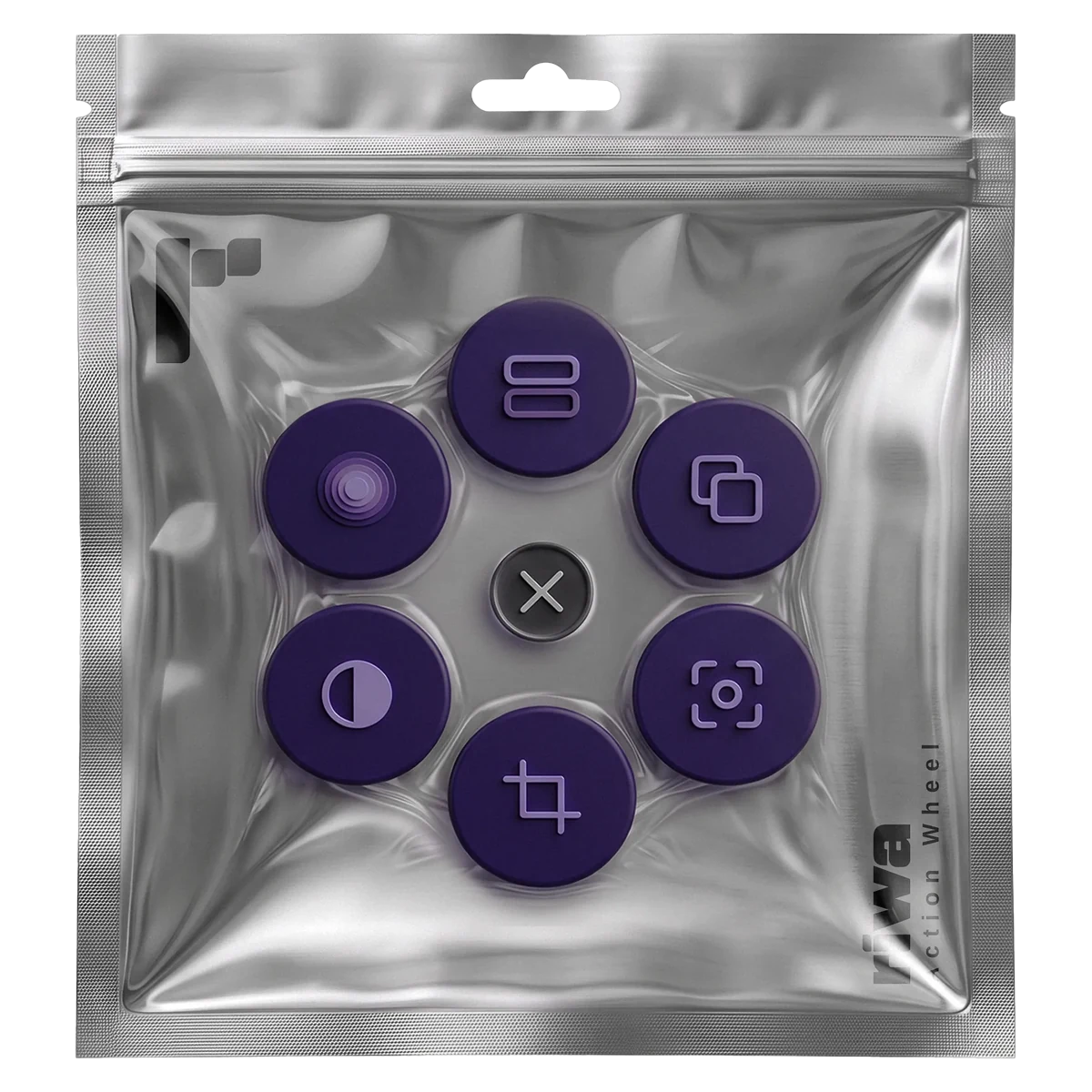
Action Wheel
Press a shortcut and a wheel of actions opens under your mouse, right where you are working.
Most of an edit is the same few moves, over and over: an adjustment layer, a blur, the effects from one clip pasted onto the next. Each of them is a trip to a menu or the Effects panel and back again.
Action Wheel puts them on a wheel that opens under your mouse the moment you press its shortcut. Pick what you need and the wheel is gone. Your eyes never leave the timeline.
Three of the circles start empty. Fill them with any effect you have installed, your own or a third party one.
What it does
- Adjustment Layer: added above the selected clip and exactly as long as it, or at the playhead when nothing is selected
- Blur: hover it and pick Gaussian, Directional or Bokeh
- Copy Effects: copies everything on one clip, then the same circle pastes it onto the next
- Three free circles for any video effect installed in Premiere Pro, with an icon of your choice
- Your own shortcut: any key with Ctrl, Alt or Shift, or the middle mouse button
Before you buy
- Windows only. There is no Mac version.
- Premiere Pro 26.0 or newer. That is what it is tested on. Older versions may work, but that is not promised.
- Windows will warn about both files the first time, because they are new and not yet signed. Choose More info, then Run anyway.
Installing it
- 1.Unzip the download into one folder and keep the files together.
- 2.Double click "Install Premiere panel.cmd". It copies one folder into Premiere Pro.
- 3.Double click "Action Wheel.exe". Nothing appears: it waits out of sight until Premiere Pro opens.
- 4.Start Premiere Pro, or restart it if it is already open.
- 5.Press Alt+Q, paste your licence key the first time it asks, and press Enter.
Licence key
Your key arrives in the email that confirms your purchase. One key works on two computers, so a desktop and a laptop are both covered.
It is checked online the first time, then quietly now and then. In between it works offline, so an edit on location or on a machine without a connection is not a problem.
Moving to a new computer: press Release in the panel on the old one. If the old one is already gone, release it from the purchase page linked in your email.