
Premiere Pro
Nest Organizer
Your project fills up with nested sequences. This puts every one of them in one folder.
Try it
Project
- Footage
- Nested Sequence 01
- Audio
- interview_A.mp4
- Nested Sequence 02
- Graphics
- Nested Sequence 03
- broll_02.mp4
Nest Organizer
Every time you nest a selection, Premiere drops a new sequence into your project, usually right where it gets in the way. On a long edit that means dozens of nested sequences scattered between your bins.
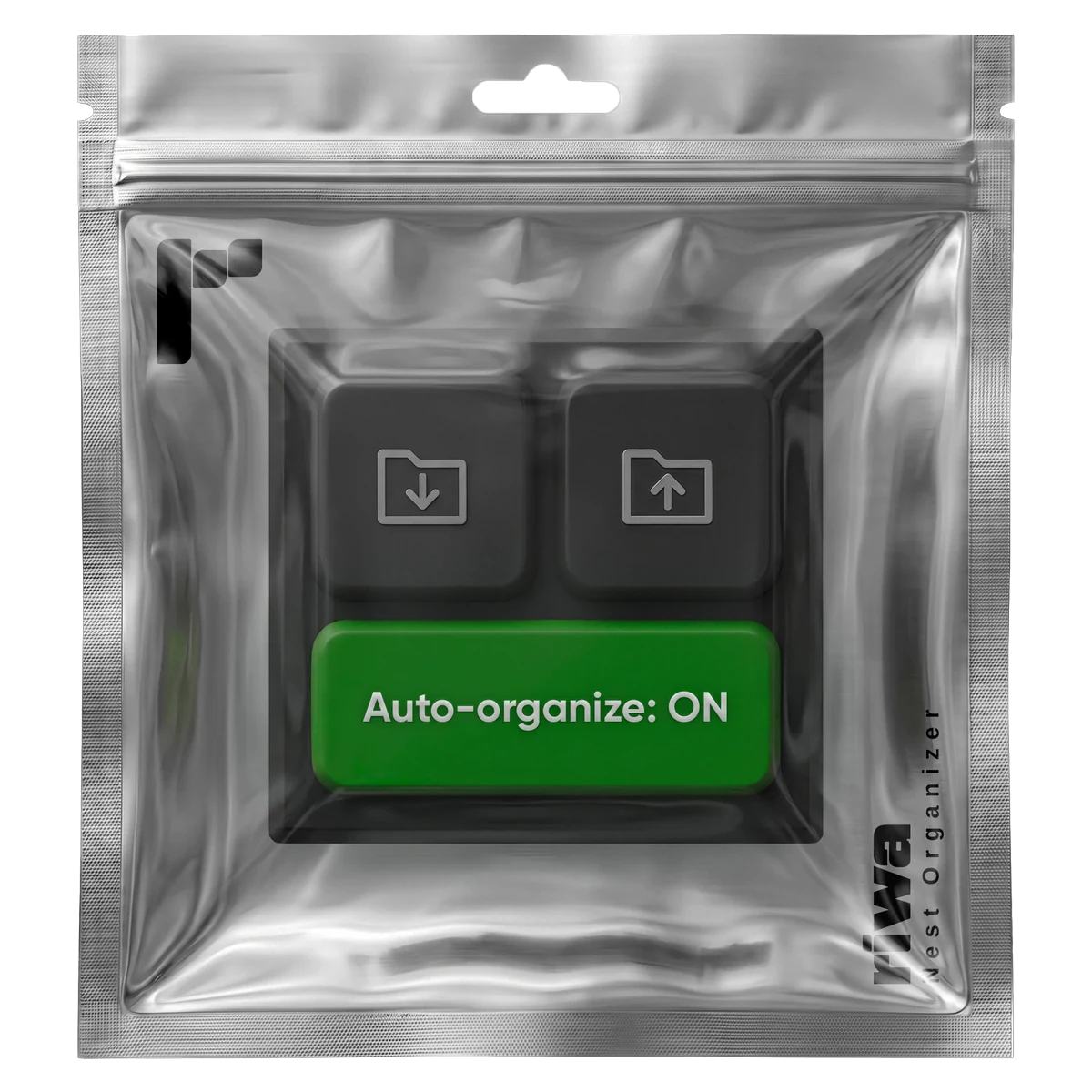
Nest Organizer collects them into a single folder, in one click. When you need one back where it was, the second button puts it exactly where it came from.
The Auto-organize switch does the same thing in the background: every new nested sequence lands in the folder the moment it is created, without you clicking anything.
What it does
- Organize: all nested sequences move into one folder
- Restore: puts them back exactly where they were taken from
- Auto-organize: every new nested sequence goes straight into that folder
Installing it
- 1.Download the .ccx file.
- 2.Double click it. Creative Cloud opens and installs the panel.
- 3.Restart Premiere Pro.
- 4.Window > Extensions > Nest Organizer.
Requires: Premiere Pro 25.6 or newer